
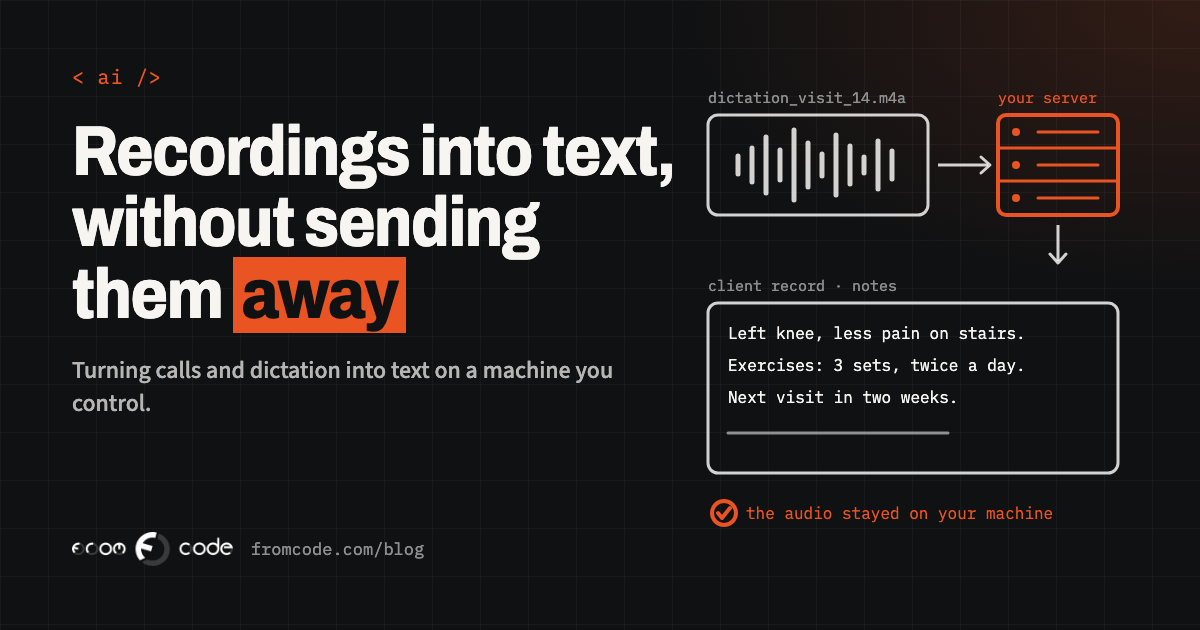
A physiotherapist dictates her notes into a phone after every visit, and someone types them up at the end of the day. A service company records its support calls and nobody has time to listen back. A school records parent meetings so the notes are fair to everyone, and the recordings sit in a folder nobody opens.
Each of these businesses has the same question: can the recordings turn into text, automatically, without the audio leaving the building? For years the honest answer was "partly". The good transcription services ran in someone else's cloud, and the tools you could run yourself were good enough for a podcast but struggled with a noisy call, an accent or a list of medicine names.
That answer has moved. This article is about where it stands now, what you can realistically run on your own machine, and how to find out whether it works for your recordings before you spend anything serious on it.
Why owners keep asking this question
Recordings hold the most private things a business hears. A patient describing a symptom. A client explaining why a payment is late. A parent talking about their child. When a transcription service is a website someone on the team found, the audio goes wherever that service sends it, and it is often unclear how long it is kept or what else it is used for.
That is the same problem as staff pasting company data into a chatbot, only with voices: useful work getting done through a tool nobody chose on purpose. The fix is also the same. Give people a proper way to do the job, so they have no reason to find their own.
For recordings, the most private proper way is a model that runs on a machine you control. Then the audio goes from the phone or the phone system to your server, the text comes back, and nothing passes through a third party.
What changed this month
On 12 November 2026 Salesforce published SOV-Transcribe-1, a speech-to-text model with open weights. In plain words: the model itself is a file you can download from Hugging Face and run on your own hardware, under the Apache 2.0 licence, which allows commercial use.
According to its model card, it handles English, French, German, Spanish, Italian, Portuguese and Dutch, and it was tested on recordings of up to 30 minutes. It is built on top of the audio part of OpenAI's Whisper, the open model many self-hosted tools already use, joined to a much larger language model that turns what it hears into well-formed text.
Salesforce reports that on the public Artificial Analysis comparison it had the lowest error rate of any open model for transcribing finished recordings, as of 12 November. That is Salesforce's own claim about its own model, and I come back to what to make of it below. But the direction is clear: the gap between "good, in someone's cloud" and "good, on your own server" has become much smaller.
What "open weights" means for you
"Open weights" is the part that matters most to a business owner, more than any benchmark.
A cloud transcription service is a meter: you send audio, you pay per minute, and the price, the terms and the features can change whenever the provider decides. An open model is closer to software you own. Once it runs on your machine, the cost is the machine and the electricity, and nobody can change the deal under you.
It also means the work can be built into your own systems properly. The transcript of a visit can land in the client's record. The transcript of a call can be attached to the job it was about. A dictated note can arrive in the right field instead of in someone's e-mail.
What it does not mean is "free". Someone has to set it up, keep it running and update it when a better version comes out. That is ordinary server work, and it is worth pricing honestly before you decide.
What it is good at
The model card describes a few things that are directly useful for everyday business recordings:
- Dictation, calls and meetings are the uses Salesforce names, including noisy audio and a range of English accents.
- You can tell it how to write. Word for word, with every "um", or cleaned up into readable sentences. With or without punctuation. Numbers as digits or as words.
- You can give it the vocabulary in advance. Names of staff, products, medicines, street names, anything the recordings will be full of. Salesforce reports a large improvement in getting those words right when the model is given them. For a clinic or a technical service company, that is often the difference between a transcript you can use and one you have to correct line by line.
That last point is worth more than the headline accuracy number. Most of the mistakes that make a transcript useless are not ordinary words. They are the names and terms specific to your business.
What it does not do
The same pages are just as clear about the limits, and each one changes how you would use it.
It works on finished recordings, not live. It is built for audio that has already been recorded. If you want captions on screen while someone is speaking, this is not the tool.
Seven languages. If your clients speak a language that is not on the list, a model that is excellent in English will not help you, and you should test the tools that do cover your language instead.
Up to 30 minutes per recording, as tested. Longer meetings need to be cut into pieces at natural pauses first. That is easy to automate, but someone has to build it.
No speaker names are mentioned. The model card describes the words, not who said them. If you need "therapist" and "patient" or "agent" and "caller" in the transcript, that is a separate step.
It can occasionally get stuck. The model card itself warns that it sometimes repeats a character or a phrase until it runs out of room, and recommends checking long outputs. That is a reason to have the system flag suspicious transcripts automatically rather than trusting every one blindly.
Your recordings, not their benchmark
Every accuracy figure on Salesforce's page is measured by Salesforce, and the full technical report was still marked "coming soon" when it launched. That is normal for a new model and not a reason to distrust it, but it is a reason not to choose on the number alone. A benchmark measures someone else's recordings. Your recordings have your accents, your background noise, your phone line and your vocabulary. Twenty of them will tell you more than any leaderboard.
The hardware question
This is where expectations need to be set honestly. Salesforce ran its speed tests on a single NVIDIA RTX PRO 6000 Blackwell card with 96 GB of memory, which is serious data-centre hardware, not the PC under the reception desk. The model card gives no official minimum, and the ready-made code assumes an NVIDIA graphics card.
So there are really three ways to run something like this:
- A machine in your own office with a powerful graphics card. The audio never leaves the building, but you own a noisy, expensive box and you are responsible for it.
- A rented GPU server in a data centre you choose. The audio leaves the building but goes only to a machine that is yours alone, not to a shared service. For most small businesses this is the realistic middle.
- A smaller open model on a modest machine. The older Whisper models run on far less hardware. They make more mistakes on hard audio, but for clear dictation in a quiet room they may be all you need.
Which one fits depends on how many hours of audio you have a week and how fast you need the text back. A clinic that dictates thirty short notes a day has very different needs from a support line recording every call.
A test you can run in a week
Before anyone buys hardware or signs anything, run a small test. It takes about a week and costs very little:
- Pick twenty real recordings that represent your normal day: the clear ones, the noisy ones, the fast talker, the strong accent. Use only recordings the people in them agreed to have recorded, and keep the test inside your own systems.
- Have a person type up five of them carefully. That is your reference.
- Run the same recordings through two or three options: the new model on a rented server, a smaller open model, and the cloud service you would otherwise use.
- Compare the five against the reference, and read all twenty for the mistakes that matter to you: names, amounts, dates, medicines, addresses.
- Try it with your vocabulary list and without it, and see how much the list helps.
At the end you will know three things that no article can tell you: whether the text is good enough to use, which mistakes it makes on your audio, and how long a person still needs to spend checking it.
Where the text goes next
A transcript nobody reads has not saved anyone any time. The value comes from what happens to the text next, and that is where most of the actual building work is.
Decide where each transcript belongs: the client's record, the job, the appointment. Decide who may read it, using the same permissions the rest of the record already has. Decide whether a person checks it before it counts, and make that check fast, with the audio one click away from each sentence.
Then decide what happens to the audio. Once the text is checked, many businesses have no reason to keep the recording at all, and a recording you have deleted can never leak. Whatever you choose, write it down and make the system do it automatically, so it does not depend on someone remembering.
A short summary on top of the transcript is often what people actually read, and that can be produced on the same server by a language model you also run yourself. Keep the full text underneath, so anyone can check what was really said.
When a cloud service is still the better choice
Running your own model is not always the right answer, and it is worth saying when it is not.
If you have a few recordings a week, a reputable cloud service with clear terms about how long it keeps audio is cheaper and simpler than any server. If nobody will look after a server, an unmaintained one is a bigger risk than a well-run service. If your clients speak a language the open models handle poorly, the best choice is simply the tool that understands them.
The reason to run it yourself is a combination of three things: recordings private enough that you want them on a machine you control, enough volume that a per-minute meter adds up, and a wish to put the text straight into your own systems. When all three are true, this month's news makes that much easier than it was.
Questions to ask before you start
If you bring this to a developer, these questions get to the point quickly:
- Which of our recordings would go through it, and which never should?
- Where exactly does the audio travel, from the moment it is recorded to the moment it is deleted?
- How does a transcript reach the right record, and who can read it there?
- How do we notice a bad transcript, before someone relies on it?
- Which model are we using, and how do we swap it for a better one next year without rebuilding everything?
The last question matters more than it sounds. Speech models are improving quickly, and the one that is best today will not be the best for long. A system built so the model is one replaceable part will keep getting better without a new project.
What I would do
If you asked me where to start, I would pick one kind of recording, the one that costs the most typing time today, and run the one-week test on it. Dictated notes are usually the easiest win: one speaker, a quiet room, a known vocabulary and a clear place for the text to go.
If the test shows the text is good, the next step is a small, contained system: recordings in, transcripts into the right records, a quick check screen, audio deleted on a schedule. Calls and meetings can follow once that first piece has proved itself in daily use.
So, can you transcribe calls and dictation on your own server now? For many businesses, yes, and more easily than a year ago. Whether it is the right move for yours is a question your own recordings can answer in a week.
Which recordings in your business still get typed up by hand?
Discuss your projectTell me what you record and where the text should end up, and I will tell you honestly whether running it yourself is worth it.