
Somebody in your business pasted something into ChatGPT today. A receptionist tidying up a complaint reply. A bookkeeper asking why a spreadsheet formula breaks. A project manager turning meeting notes, with names and phone numbers still in them, into a neat summary for a client. None of them asked you first, and none of them thought they were doing anything wrong. They were trying to do their job faster.
Most owners find out by accident: a document that reads a little too polished, a browser tab left open on a shared screen, a question from an employee about whether "the paid version" is allowed. The question that follows is always the same: what do I do about this?
This article is about the answer I see go wrong most often, why it goes wrong, and what works instead. It is written for a business without an IT department, where the person deciding is also the person who signs the invoices.
The mistake: a ban
The mistake I see most often is a ban. An e-mail goes round: "Do not use ChatGPT or any AI tool for work." The firewall blocks the website, or somebody says it does. Everyone nods. The owner feels the problem is handled.
It is not handled. It has moved somewhere you can no longer see it.
The people who were using it were using it because it saved them real time on real work. That reason does not go away when the e-mail arrives. What changes is where the work happens: on a personal phone, on the mobile network, in a personal account, at the kitchen table after hours with a document forwarded to a private e-mail address. Every one of those places is worse than the office laptop you were worried about.
Why it happens
A ban feels responsible because it is fast, it costs nothing, and it is the kind of decision an owner is used to making. It also avoids the uncomfortable part, which is admitting that you do not know what your people are pasting, into which tool, under which account.
There is a second reason. Many owners have not used these tools for real work themselves, so the risk is abstract and the benefit is invisible. From the outside it looks like staff chatting with a website. From the inside, for the person who used to lose half an afternoon on a careful letter to an upset client, it is the difference between a bad afternoon and a normal one. When the person writing the rule cannot see the benefit, the rule tends to ignore it, and rules that ignore why people do things get quietly worked around.
Where the text actually goes
The real risk is not "AI" in general. It is a specific combination: company data, in a personal account, on a plan whose terms nobody in the business has read.
The terms differ more than people expect. On OpenAI's consumer plans, its own policy says conversations can be used to improve its models unless the user switches that off in the data controls (OpenAI: how your data is used). On its business plans, OpenAI states that business data is excluded from training by default (OpenAI: data and privacy in ChatGPT Business). Other providers draw similar lines between their consumer and business offerings, each in their own terms.
So the same sentence, typed into the same-looking chat window, can be handled very differently depending on which account it was typed into. A ban does not choose the safer account. It pushes people towards the one you control least.
What people actually paste
It helps to be concrete about what ends up in these tools, because it is rarely trade secrets. It is ordinary work:
- a client's complaint, pasted in full with their name, address and account number, to get a calmer reply
- a list of patients, pupils or members, to sort or reformat
- a contract or a quote, to "check the wording"
- a payroll or invoice spreadsheet, to fix a formula
- an error message from a business system, with a password or a connection string in it
- notes from a meeting, with everyone's mobile numbers still at the bottom
Each one looks harmless in the moment. Together they are your client list, your prices and the keys to your systems, sitting in accounts the business does not own and cannot close when someone leaves.
Ask first, before you write any rule
Before writing any rule, find out what is happening. Not with a survey that sounds like an investigation, but with a plain conversation: which tools do you use, for what, and what would you lose if you could not? Make it clear nobody is in trouble. You will get a much more honest answer than you expect, because most people are relieved that someone finally asked.
What you learn usually falls into three groups. Writing help: letters, replies, translations, summaries. Thinking help: "how do I structure this", "what am I missing", spreadsheet questions. And a small group of tasks that genuinely should not be done this way at all, usually because they involve whole lists of people or anything to do with money.
That first conversation is the most useful hour you will spend on this, and it costs nothing.
Pay for the right account
If people are getting real value, the cheapest safe option is usually to pay for it properly: one business account for the people who need it, managed by the company, on a plan whose terms say your data is not used for training. It is a small monthly cost per person, and it buys three things a ban never can.
You decide who has access, and you can remove it the day someone leaves. The work stays in an account the business owns, not in a private one. And you can tell your clients, truthfully, which tool touches their information and under what terms.
If your business already pays for Microsoft 365 or Google Workspace, check what AI features are already included in your plan before buying anything new. Sometimes the approved tool is already there and nobody has switched it on.
A rule that fits on one page
The rule itself should fit on one page and be readable over a coffee. Long policies get signed and never read. I find a simple three-way split works for most small businesses:
**Fine to paste:** anything you would happily put in a public e-mail. General questions, drafts with no names in them, public information, your own writing.
**Only in the company account:** internal documents, anonymised client situations, your own figures without names attached.
**Never, in any AI tool:** passwords, keys and access codes, card or bank details, medical or health records, whole lists of clients or staff, and anything a client gave you under confidentiality.
Name the approved tool, name who to ask when unsure, and say what to do if someone pastes the wrong thing: tell that person, straight away, with no penalty for telling. That last part matters more than it looks. A rule that punishes honesty guarantees you never hear about mistakes in time to do anything about them.
Names out, problem in
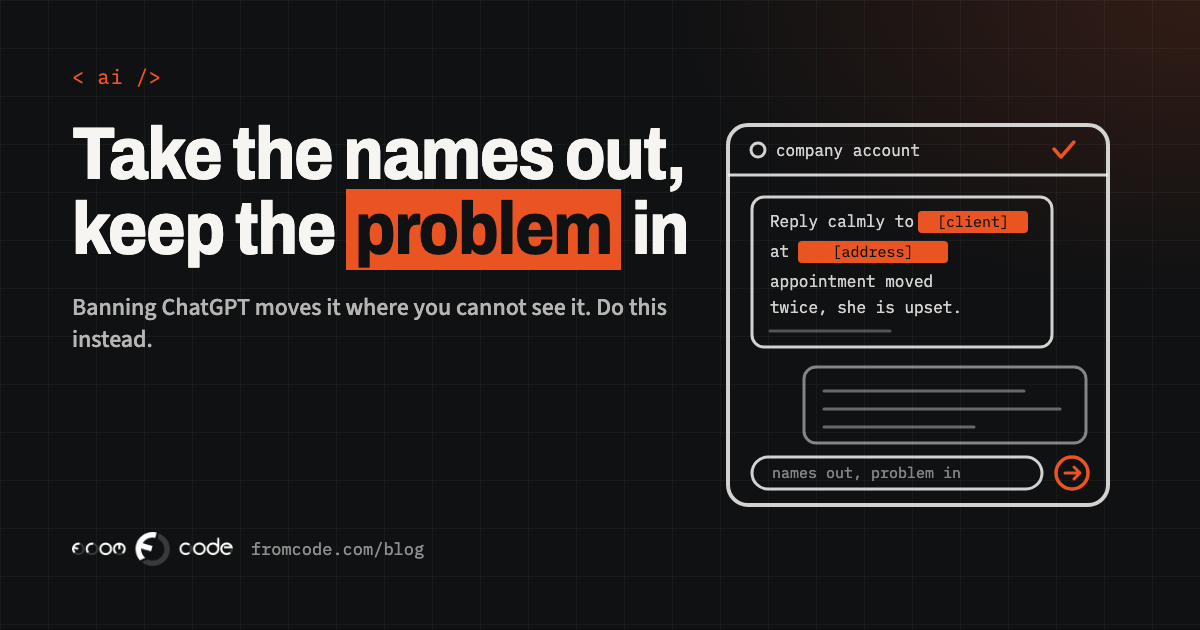
The single most useful habit to teach is this: take the names out and keep the problem in. "Mrs Petrova at 14 Oak Street is upset that her appointment was moved twice" becomes "a client is upset that her appointment was moved twice". The AI writes an equally good reply, and you add the name back before you send it.
It sounds almost too simple, but it removes most of the risk from most of the everyday uses, and it works in any tool. Show people one before-and-after example from your own business and they will remember it far longer than any policy.
Passwords hide in error messages
One category deserves its own warning: anything technical. When a system throws an error, the natural thing is to copy the whole message and ask what it means. Error messages, configuration files and log extracts often contain passwords, access keys or links that include them. Pasted into a chat, that is a credential sitting in somebody else's system.
The rule for staff is simple: before pasting anything technical, look for anything that resembles a password, a key or a long random string, and remove it. And if a password was pasted, change it. Changing a password takes minutes. Finding out later that it was used takes much longer.
What the law expects
There is a legal angle too, and it is easy to overstate in both directions.
If your staff paste clients' personal details into an outside tool, that is processing personal data, and the usual data protection questions apply: do you have a reason to do it, does the provider handle it under proper terms, and would your clients be surprised? A business account with a data processing agreement answers those questions far better than a collection of private accounts.
The EU's AI Act also has something to say. Its AI literacy rule, which has applied since 2 February 2025, asks businesses that use AI systems to take measures to support their staff's understanding of those systems. The wording was softened in 2026, but the European Commission's own guidance says the obligation remains, that national authorities supervise it from 2 August 2026, and that it covers a company whose staff use a chatbot for things like drafting text or translation (European Commission: AI literacy questions and answers). It does not require a certificate or a particular course. A short rule, a conversation and an example of what can go wrong is a sensible, proportionate start, and it is also the right thing to do anyway.
I am not a lawyer, and if your business handles health, financial or children's data, it is worth asking one which of your uses need more care.
When a chatbot is the wrong tool
Sometimes the first conversation turns up a task that keeps coming back: every week someone pastes the same kind of document into a chatbot and copies the answer back into the business system. Summarising enquiries, sorting incoming requests, drafting the same type of reply.
That is a sign the work does not belong in a general chat window at all. It belongs inside the system where the data already lives, with the AI step built in, the personal details kept out of what the AI sees, and a person approving the result before it goes anywhere. It is more work to set up than a subscription, and it is not right for every task, but for a repeated job involving client data it is usually both safer and faster than copying and pasting by hand.
When someone leaves
One more thing to plan for: people leaving. A private account full of company conversations walks out of the door with its owner, and you have no way to close it. A company account can be removed on someone's last day like any other access. Put AI tools on the same leavers' checklist as e-mail, shared drives and the door code.
- Have the conversation: which tools, for what, and what would people lose.
- Choose one approved tool, on a business account the company owns.
- Write the one-page rule: fine, company account only, never.
- Teach "names out, problem in" with one example from your own work.
- Add AI accounts to the leavers' checklist.
- Look again in three months: what changed, and which repeated task deserves a proper tool.
What I would do
The instinct behind a ban is a good one: you want to protect your clients and your business. The ban is just the wrong tool for it. Your staff are already using AI because it helps them, and the safest version of that is the one you can see, pay for, and switch off when someone leaves.
Start with the conversation. Most of the rest follows from what you hear.
Do you know which AI tools your staff use today?
Discuss your projectTell me how your team works, and I will help you set up AI use you can actually see and control.