
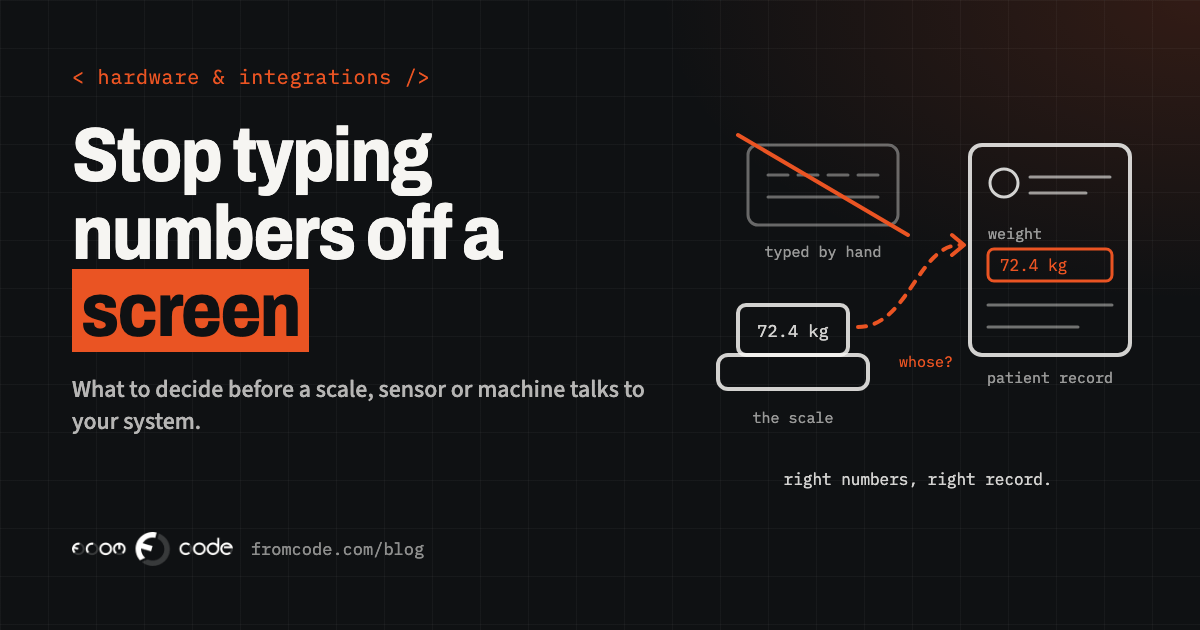
A physiotherapy clinic buys a body-composition scale. It is a good scale. It measures weight, body fat and muscle, prints a neat slip, and shows everything on its own little screen. Then, every morning, someone at reception reads the numbers off that screen and types them into the patient's record. Sometimes they type them into the wrong patient. Sometimes the slip goes in a drawer and the numbers never arrive at all.
Sooner or later somebody asks the obvious question: can the scale not just send the readings to our system?
Usually, yes. But "connect the device" hides a handful of decisions, and the order in which you make them decides whether the project takes a couple of weeks or turns into a small saga. The clinic is an illustration, not a client. The same questions come up with a cycle counter on a workshop machine, a temperature sensor in a lab fridge, a door controller in a gym, a meter in a plant room or a card reader at a school gate.
This piece goes through what to decide before anyone writes a line of code, and ends with a checklist you can take to the supplier or to whoever builds the connection.
What should arrive, and where should it land?
Start at the end, not at the device. Write down, in one or two sentences, what should appear in your system and where.
"After each measurement, the weight, body fat and muscle mass appear on the patient's record, with the date and time, and the physiotherapist sees them on the next visit."
That sentence already answers questions that would otherwise come up halfway through: which readings matter (not all twenty the scale produces), where they go (the patient record, not a separate report), and who uses them (the physiotherapist, not reception). It also tells you what success looks like, so you can test it.
Devices usually offer far more data than anyone needs. Taking everything "just in case" makes the connection bigger, the screens busier and the storage larger. Take what someone will actually look at, and add more later if a real use appears.
How does the device talk today?
Before choosing anything, find out how the device can already share what it knows. It is in the manual, in the supplier's technical sheet, or one e-mail away. The usual answers are:
- A cable. USB or an older serial port. The device sends its readings as text down the cable to whatever is plugged in. Simple, reliable, and it means a computer has to sit next to the device.
- Bluetooth. Common on scales, blood-pressure monitors and small sensors. Short range, and usually needs a phone, tablet or small box nearby to receive the data.
- Your network. The device has Wi-Fi or a network socket and either answers questions from your system or sends readings somewhere on its own.
- The maker's cloud. The device talks only to its manufacturer's servers, and you get the data from there, through an app, a web portal or, if you are lucky, a documented interface for developers.
- A file. The device or its software saves a spreadsheet or text file that someone exports.
None of these is wrong. Each one changes what the rest of the project looks like, so it is the first fact to get, and to get in writing. "It has Bluetooth" is not enough. You want to know what it sends, in what format, and whether that is documented.
Does it need the maker's cloud to work?
Many modern devices are built to talk to their maker's cloud first. That is convenient: you install an app, and the readings appear on a dashboard. For connecting to your own system, it raises two questions.
The first is whether you can get the data out at all, in a form your system can use, without someone logging into a portal and copying it. Ask for the developer documentation. If there is none, the honest answer may be that this device is not a good fit.
The second is what happens if that cloud changes its terms, raises its price or closes. Your readings then depend on a business decision someone else makes. If the device can also talk locally, over a cable or your own network, that is worth a lot, even if you start with the cloud.
In July 2025 Belkin announced that it would end support for most of its Wemo smart home devices and the Wemo app on 31 January 2026. After that date, cloud features such as remote access and voice assistant integration would stop working. Devices that had been set up through Apple's HomeKit, and the models that use Thread, were said to keep working without the Wemo cloud (TechCrunch, 10 July 2025).
These were home devices, not business equipment. The point carries over: the devices that kept working were the ones that could talk to something other than their maker's servers. When you choose a device for your business, the way it talks locally is part of what you are buying.
Does the device send, or does your system ask?
There are two ways readings can travel. Either the device sends them the moment it has them, or your system goes and asks the device from time to time.
When the device sends, readings arrive straight away, but something always has to be listening, and you need to know what happens to a reading sent while the listener was down. When your system asks, you control the pace and can catch up after a break, but readings arrive with a delay, and asking too often can drain a battery or annoy a small device.
For the clinic scale, a reading straight after the measurement matters, because the physiotherapist may want to discuss it in the same session. For a fridge sensor that records every few minutes, collecting readings every hour is fine, as long as an alarm still goes out at once when the temperature goes wrong. Decide per device what "in time" means. It is a business question, not a technical one.
What happens when the connection drops?
Connections drop. Wi-Fi goes down, the computer next to the scale restarts for updates, someone unplugs a cable to charge a phone. The question is not whether it happens but what happens to the readings when it does.
A good connection keeps readings safe until they have definitely arrived, and then sends them in the right order with their original time. A weak one simply loses whatever was measured while it was down, and nobody notices until a patient asks why last week's numbers are missing.
Two small rules prevent most of the trouble. Every reading carries the time it was taken, not the time it arrived. And the same reading arriving twice does not create two entries. Ask whoever builds the connection to show you both working, by pulling the plug during a test.
Whose reading is it?
A reading on its own is a number. What makes it useful is knowing whose it is. This is the step most often underestimated.
The scale knows the weight. It does not know which patient is standing on it. Something has to make that link: the physiotherapist picks the patient on a tablet before the measurement, the patient scans a card, or the scale has user slots that are matched to records once. On a workshop machine, the counter knows how many cycles ran, but not which job they belonged to, so someone or something has to say which job is on the machine.
Get this wrong and you have a fast, automatic way to put the right numbers on the wrong record, which is worse than typing them in by hand. Decide how the link is made, who makes it, and what happens when they forget. Often the honest answer is a small screen that asks one question at the right moment.
Browser, app, or a small box beside it?
Something has to sit between the device and your system and pass the readings along. There are three common choices.
A web page in the browser. Modern browsers can talk to some devices directly. Chrome, for example, has supported talking to USB and serial devices on desktop since version 89 (Chrome for Developers). But this is not available everywhere: MDN lists the same feature as having limited availability, because it does not work in some of the most widely used browsers (MDN). It can be a neat answer for one computer at reception, as long as everyone knows that computer must use the right browser.
An app on a phone or tablet. Natural for Bluetooth devices, and for places where people move around. The app has to be kept updated, and someone has to make sure the tablet is charged and nearby.
A small box beside the device. A tiny computer that does nothing but listen to the device and pass readings on. It is the most reliable for devices that run all day without anyone around, such as sensors, meters and machines. It also needs looking after: power, updates and a way to know it is still alive.
The right choice depends on where the device is and who is there when it is used. It is worth deciding before buying more devices, because it may change which model you buy.
Who may send it instructions?
Most connections start as one-way: the device reports, your system listens. Some projects then want the reverse: open the door, change the alarm limit, reset the counter from the office.
That is a different level of responsibility. Reading a temperature is harmless. Being able to switch off a fridge alarm from a web page is not, if the wrong person can reach that page. So keep it one-way unless there is a real need, and when there is, decide who may send instructions, how they log in, and how you can see afterwards who did what. Change the default password on the device itself, and keep it off the open internet unless it truly has to be there. Many devices ship with settings meant for a quick demo, not for years in a business.
What happens when the device is replaced?
Devices are replaced. They break, the model is discontinued, or a newer version arrives with different software inside. A firmware update can change the format of what a device sends, sometimes without anyone mentioning it in the release notes.
If the connection is built around one exact model and one exact format, every replacement becomes a small project. If it is built so that the part that understands the device is small and separate from the part that stores readings in your system, a new model means adapting that one small part. Ask for it to be built that way, and keep a note of which model and software version each device is running.
The same goes for the system on the other side. If your own software changes, the connection should not be the thing that quietly breaks. A simple check that raises a flag when no readings have arrived for longer than usual catches both problems.
The checklist
Take this to the supplier, or to whoever will build the connection, before you agree a plan:
- One or two sentences saying what should arrive, where, and who uses it.
- The list of readings that matter, and the ones you will ignore for now.
- How the device shares data today: cable, Bluetooth, network, the maker's cloud or a file, and the documentation for it.
- Whether it can work without the maker's cloud.
- Whether the device sends readings or waits to be asked, and how quickly each reading must arrive.
- What happens to readings while the connection is down, and proof that none are lost or doubled.
- How each reading is matched to the right patient, job, room or machine, and what happens when someone forgets.
- What sits in between: a browser, an app or a small box, and who looks after it.
- Whether anything can send instructions to the device, and if so, who, and how it is logged.
- The device's own password changed, and the device kept off the open internet unless it truly needs to be there.
- A note of each device's model and software version, and a plan for when it is replaced.
- An alert when readings stop arriving.
Where to start
The best first step is small. Connect one device, in one room, for a few weeks, with the people who will use it every day. You learn more from a fortnight of real use than from any amount of planning: which readings people actually look at, where the matching goes wrong, which cable gets unplugged.
After that, adding the second and the tenth device is mostly repetition, and you will be doing it with a design that has already met reality.
If you are choosing new equipment, bring these questions into the buying decision. Two devices that look the same on the spec sheet can be very different to connect, and the one that talks clearly to your own system is usually the better buy, even if it costs a little more.
Back to the scale
Back to the clinic. The goal was never "connect the scale". It was that the right numbers appear on the right patient's record, every time, without anyone typing them.
Put that way, the device is the easy part. The decisions around it are what make it work: what should arrive, how it travels, whose reading it is, and what happens when something drops. Make those first, and the code that follows is usually the short part of the project.
Which device in your business still has someone reading numbers off its screen?
Which device would you connect first?
Discuss your projectTell me what it measures and where the numbers should end up, and I will tell you where I would start.