
It usually starts with something expensive that cannot be found. A laser level that was definitely in the van on Tuesday. A set of test equipment that two sites both swear they sent back. A pallet truck that turns up, weeks later, in the corner of a customer's warehouse.
Someone searches online, finds small Bluetooth tags that promise to show where everything is, and orders a box of them. They get stuck to the most valuable items. For a couple of weeks people open the app. Then the app stops being opened, a few tags go flat, and the box of spares ends up in a drawer next to the old sign-out sheet.
The tags were rarely the problem. The mistake I see most often with equipment tracking is starting with the tag, and only afterwards asking what the company actually wanted to know. This article is about that order: what to decide first, what the hardware can and cannot do, and when a tag is the wrong answer altogether.
The mistake: starting with the tag
A tag is the visible part, so it is where people start. It is small, cheap per piece, and easy to compare: battery life, size, price, whether it has a loop for a keyring.
But a tag on its own answers nothing. It does not know where it is, it does not know who is holding it, and it has no idea that a job finished and the tool should be back in the store. Everything useful comes from the rest of the system: what hears the tag, where those sightings are kept, and who looks at them and does something.
Choosing the tag first is like choosing the envelope before deciding who the letter is for. You end up with a system shaped by whatever the tag happened to support, rather than by the question you needed answered.
Four questions that sound like one
"Where is our equipment?" sounds like one question. In practice it is usually one of four, and each one leads to a different setup.
**Where is it right now?** You want to open a screen and see that the generator is at site B. This needs something near the item that can hear the tag regularly, wherever the item goes.
**Who had it last?** You want to know who took the torque wrench, so you can ask them. This is often less about location and more about a record of hand-overs.
**Did it come back?** You want to know, at the end of a job or a day, whether everything that went out has returned. This only needs the tag to be heard at one place: the door of the store, the back of the van, the yard.
**Is it being used?** You want to know whether that second compressor ever leaves the shelf, before buying a third. This needs a history over weeks, not a live map.
Most small companies, when they think it through, care about the third or the second question far more than the first. And the third is by far the simplest and cheapest to answer well.
A tag does not know where it is
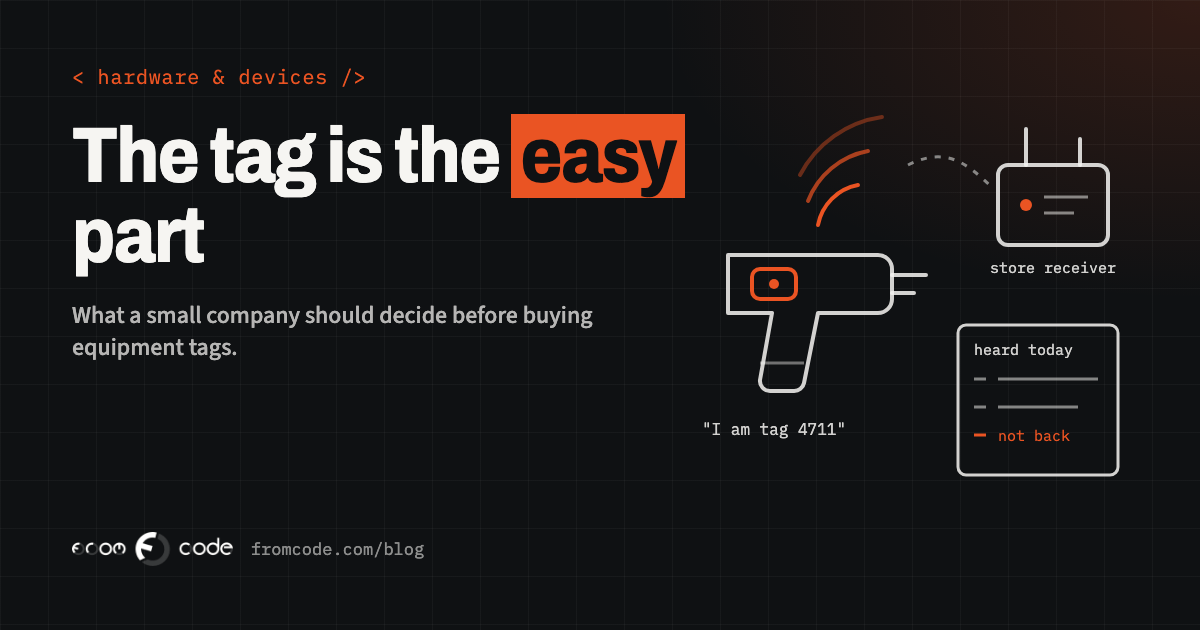
A Bluetooth tag of the kind used for equipment does one thing: every so often it sends out a short signal that says, in effect, "I am tag 4711". That is all. Whether it is a few metres from a receiver or at the bottom of a lake, the tag behaves the same.
Location comes from whatever hears that signal. If a receiver in the store hears tag 4711, the system knows the tag was near the store at that moment. If a phone in a van hears it, the system knows it was near that phone, and if the phone shares its own position, roughly where that was.
This is the part that surprises people. The map in the app shows where the listener was, not where the tag is. When nothing is listening, the system knows nothing at all, except the last place the tag was heard. A tool left in a skip on an empty site is invisible until a listener happens to pass by.
Who does the listening
So the real design decision is who, or what, does the listening. There are three common answers, and many setups combine them.
**Fixed receivers.** A small powered box, often called a gateway, mounted in the store, the workshop or the yard, connected to the internet. It hears every tag in range, all day, without anyone doing anything. Very good for "did it come back?" and for anything that lives in one building. Useless the moment the item leaves.
**Staff phones.** An app on the phones of the people who use the equipment listens for tags as they go about their day. This covers far more ground than fixed receivers, at no hardware cost. But phones are not built to be listeners: both major phone platforms limit what an app may do in the background to save battery, staff can switch Bluetooth off, and some people will not want a work app running on their own phone at all. A system that depends on phones needs to be designed around those limits from the first day.
**A deliberate scan.** Someone taps or scans the item at the moment it goes out or comes back. This is the least magical option and often the most reliable, because it records the one thing automatic listening cannot: who decided to take it.
The battery figure on the box is not yours
Every tag box quotes a battery life. That figure depends almost entirely on how often the tag sends its signal and how strongly. A tag that announces itself often is found quickly and drains quickly. One that announces itself rarely lasts much longer and may simply be missed by a van that drives past.
I have built Bluetooth tags myself, from the circuit board up, and on a coin cell nearly every decision comes down to how long the device can stay asleep. The quoted battery life is a measurement made under settings you may not use.
Two practical consequences. First, ask the supplier how the figure was measured, and choose the setting for your question, not for the number on the box. Second, plan for batteries going flat. A system with dozens of tags will always have a few going quiet, and it should say so clearly: "this tag has not been heard for a while, and its battery was low last time" is useful. Silence that looks exactly like a missing tool is not.
Range on a desk is not range in a van
Range is the other number that does not survive contact with real life. Bluetooth signals are weakened by metal, by water, by walls and by people. Which describes a van full of tools quite well: a metal box, inside a metal vehicle, often next to a water tank or a stack of materials.
A tag that is heard across an office may not be heard from the bottom of a steel toolbox in the back of a van. The only test that means anything is the real one: put tags on the real items, put them where they really live, and walk around with the listener you plan to use. An afternoon of that tells you more than any datasheet.
What it looks like in a small service company
Picture a company that installs and services heating systems. It has a store, a handful of vans, and some specialist kit that every engineer needs now and then but that only exists in one or two copies.
What the owner actually loses sleep over is not a live map. It is the morning when an engineer arrives at a job and the one piece of kit they need is somewhere else, or nowhere.
- A receiver in the store answers "is it here?" for every tagged item, all day.
- Each item is checked out to a person and a job with a quick scan on the way out, so "who has it?" has a name, not a guess.
- A small receiver in each van, powered by the vehicle, tells the system which van an item is in when it leaves the store.
- At the end of the day, a short list shows anything that went out and has not been heard in the store or a van since.
Nobody needs to open an app to look for anything. The system speaks up only when something is not where it should be.
Where the sightings go
Even a well-built setup fails if its output lives in a place nobody looks. Many tag products come with their own app and their own login. That is fine for one person tracking their keys. For a business, it means one more screen next to the job list, the stock list and the calendar, and it is the first one to be forgotten.
The sightings become useful when they reach the system the company already runs on: the job record shows which kit went with it, the store's list shows what is out and with whom, and a missing item creates a task for a named person rather than a red dot on a map. That connection is usually where most of the real work is, and it is worth deciding early whether the tag supplier lets you get your data out at all, in a form your own system can read.
It can also track people
There is one more thing that is easy to miss. A tag on a tool is about the tool. A tag on a van, or a phone app that listens all day, also says where a person was and when.
EU data protection law lists location data as one of the things that can identify a person, so as soon as a sighting can be tied to an employee, it is worth treating it with the same care as any other personal information. In practice that means telling staff plainly what is recorded and why, collecting only what answers your question, deciding how long sightings are kept, and avoiding the temptation to use an equipment system to watch people. If you are unsure where the line sits for your business, ask whoever advises you on data protection before you switch it on, not after.
Done openly, this rarely causes trouble. Staff tend to like a system that ends the arguments about who had the drill last.
When a tag is the wrong answer
Bluetooth tags are not always the right tool, and it is better to know that before buying a box of them.
- If you mainly need to know who took what, a printed code on each item and a scan at the door may do the job with no batteries at all.
- If items travel far and spend long periods away from any listener, such as plant hired out to other sites, a tracker with its own mobile connection and satellite positioning fits better, at a higher cost per item and with a battery that needs much more attention.
- If something is lost once a year, the simplest fix may be a better place to keep it.
The test is whether the cost of the system, including someone looking after it, is less than the cost of the losses and the hours spent searching. Only you know those numbers, and it is worth writing them down before anyone quotes for anything.
What to decide before buying anything
Before choosing any hardware, I would want a short written answer to a handful of questions:
- Which of the four questions matters most, and which items it matters for.
- Where those items live, where they travel, and what could be listening at each place.
- What should happen when an item is not where it should be, and who gets told.
- Which system the sightings should end up in.
- What it would mean for staff, and how they will be told.
None of these is technical. They are about how the company works, and the owner and the people who use the equipment can answer them better than any supplier. Once they are written down, choosing the tags and receivers becomes a much smaller decision.
What I would do: a small trial first
The cheapest way to find out whether tracking will work is a small trial with the real things. A few of the items that actually go missing, one store, a couple of vans, a few weeks. Not a demonstration on a desk.
During the trial, watch for three things: how often items are not heard when they should be, how quickly batteries drop at the setting you chose, and whether anyone acts on what the system says. The third one decides whether it is worth going further. A system that is accurate but ignored has the same value as the box of tags in the drawer.
If the trial works, extending it is mostly a matter of more tags and more receivers. If it does not, you have learned that cheaply, and usually you have also learned which simpler answer would have done.
In short
The tags are the easy part. What makes equipment tracking work is a clear question, a deliberate choice of what listens, an honest view of batteries and range, and sightings that land in the system people already use. Decide those first, and the hardware choice almost makes itself.
Which piece of equipment goes missing most in your business?
Discuss your projectTell me what you need to know about it, and I will tell you whether a tag is the right answer.