
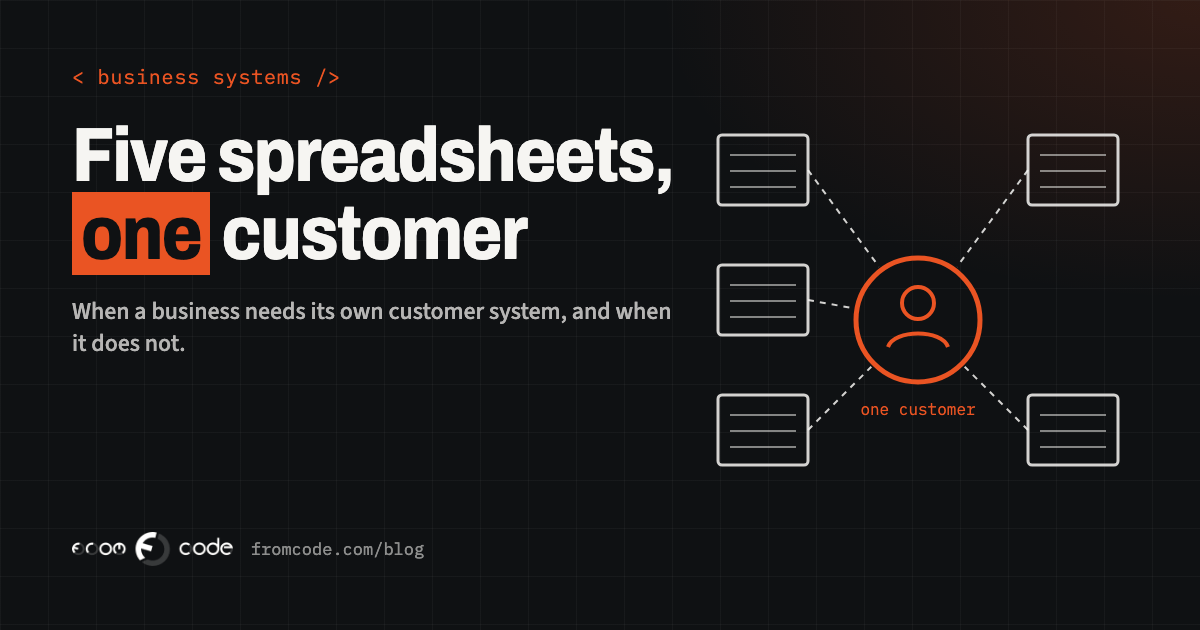
Most small businesses do not decide to have five spreadsheets. It happens one tab at a time. Someone keeps a list of enquiries. Someone else keeps the customers who have actually bought. The person who does the invoices has their own file, because the other two never had the billing address. Then there is the sheet for follow-ups, and the one that only the owner opens, with the notes that never made it anywhere else.
It works, right up to the morning a customer rings and three people give three different answers about what was agreed with them. That is usually when someone says: "We need a CRM." A CRM, short for customer relationship management, is simply one place where everything the business knows about a customer lives, so that nobody has to ask a colleague or open a second file.
I have been building software for businesses since 2011, and "do we need our own system for this?" is one of the questions I hear most. People arrive with firm ideas, most of them borrowed from a sales brochure or a bad experience. This article goes through the five I meet most often, what is true in each, and how to decide for your own business.
Where five spreadsheets come from
Spreadsheets are not the enemy. For a one-person business or a very small team, a well-kept spreadsheet is often the right tool, and I would not talk anyone out of it. The trouble starts when the same fact has to be typed in more than once.
A customer changes their phone number. It is updated in the sheet the person happened to have open, and the other four stay wrong. Nobody notices until a reminder goes to a number that no longer works, or an invoice goes to an address the customer left months ago. Every copy of a fact is a place for it to go out of date, and the more people share the files, the faster that happens.
So the real question is never "spreadsheet or software?" It is "how many places does the same customer live, and who is responsible for keeping them in step?" If the honest answer is "nobody", that is the problem to solve.
Myth 1: it is only for sales teams
**What people believe:** "A CRM is for companies with a sales team and a pipeline of deals."
**What is actually true:** the sales pipeline is only one use. A clinic wants to see a patient's history of visits and what was agreed at the last one. A school wants parents, pupils and payments connected. A service company wants to know which customer has which contract, when it renews and who visited last. A workshop wants to see every job done for a customer before quoting the next one.
None of these is "selling" in the brochure sense, and all of them are the same underlying need: one record per person or company, with everything that touches them hanging off it. If your people regularly ask each other "do you know what we told them?", you have the need, whatever you call it.
Myth 2: ready-made is always cheaper
**What people believe:** "A ready-made product will always be cheaper than building something."
**What is actually true:** for many businesses a ready-made product is the right answer, and I say so when it is. If your process looks like most other businesses of your kind, a subscription to a well-known tool will be quicker to start and cheaper to run than anything made for you, and you should use it.
The sums change when your business does something the product does not expect. Then there are two roads: bend your work to fit the tool, or bend the tool to fit your work. Bending the tool usually means add-ons, workarounds and a person who is the only one who understands how it holds together. Bending your work means staff doing things the awkward way every day, for years. Neither shows up in the price list. Both are real costs, and they only appear after you have signed.
The honest comparison is not the price of the subscription against the price of a build. It is the price of the subscription plus the workarounds, against the price of a build plus its upkeep, over a few years.
Myth 3: building your own means building everything
**What people believe:** "If we build our own, we will be paying for a huge system with every feature there is."
**What is actually true:** a system made for one business can be very small. The best ones I have seen did only a few things, and did them in the exact way the business works. The customer record, a list of what has happened with each customer, a reminder when a follow-up is due, and a view that answers the three questions the owner asks every Monday. That is a perfectly good first version.
The risk is not size, it is a wish list. Every function someone has ever dreamed of goes into the first plan, and the project becomes slow and expensive. The remedy is dull and effective: start with the work that causes the most trouble today and build only that. Add the rest when the first part has been used for a month and people tell you what they actually miss. What they miss is almost never what was on the original wish list.
A test you can run this week
Take the last customer who caused you a small problem, a wrong invoice, a missed call, a double booking. Write down every place in the business where their details are stored, and who updates each one. Then ask the person who deals with that customer to find, without help, everything the business has done for them. If it takes more than a few minutes, or each person gives a different answer, you have just measured the cost of the current arrangement. You do not need me or anyone else for this test, and the result is worth having whatever you decide next.
Myth 4: one place means people will use it
**What people believe:** "Once everything is in one place, people will use it."
**What is actually true:** this is the one that sinks the most projects, and it has little to do with software. People keep using the spreadsheet because it is quick, it is theirs, and nobody has shown them that the new thing is quicker. If entering a customer takes longer in the new system than in the old file, the old file wins. It always does.
So the design target is not "everything in one place". It is "the common action takes fewer clicks than it does today". Adding a call note, finding a phone number, marking a follow-up done: these must be faster than the spreadsheet, or the system will quietly turn into a sixth place to look. I ask the people who will use it every day to sit with me early, and I watch them do their real work. They show me very quickly which screen will be ignored.
The owner has a part too. If the Monday meeting still runs from a spreadsheet someone emails round, the new system is optional, and people notice. The meeting has to run from the system.
Myth 5: all the old data must move on day one
**What people believe:** "We should bring all our old data across on the first day, or it is not worth starting."
**What is actually true:** old spreadsheets are rarely clean. The same customer appears under three spellings. Phone numbers are typed in four formats. Some rows are people who have not bought anything for years and some are duplicates of each other. Moving all of it in without looking carries the mess into the new system, and then people stop trusting the new system for the same reasons they stopped trusting the old files.
What I would do instead is move the current, active customers first, check them by hand with someone who knows them, and bring older history across in a second step, once the rules for what counts as a duplicate have been decided and written down. Some old data is better left in an archive that can be searched when needed than carried into daily use. That is a choice for you to make deliberately, not something that should happen by accident during a rush before launch.
Signs you have outgrown the spreadsheets
None of the above means you must have your own system. These are the signs, in my experience, that it is worth a conversation.
- The same customer detail is typed in more than once, by different people.
- You have had a customer receive something wrong because two files disagreed.
- There is one person whose absence would stop the business finding things, because only they know where everything is.
- Staff copy and paste between files for part of every day.
- You cannot answer a simple question about your own customers, such as who has not been in touch for a year, without an afternoon of work.
- A ready-made tool was tried and abandoned because it did not fit how you work, or fits only with workarounds nobody trusts.
If you recognise one of these, a better spreadsheet may be enough. If you recognise three or more, the arrangement is probably costing more than it appears to.
What I would do
When someone brings me this problem, I start by not building anything. I ask to see the files and I ask who touches each one. I want to know what the business needs to find out about a customer in the course of a normal week, and what goes wrong when it cannot.
Then I tell them honestly which of three things fits. Sometimes the answer is a ready-made tool, and I say which kind to look for and what to check before signing. Sometimes it is a tidied spreadsheet with a few agreed rules, which costs almost nothing. And sometimes it is a small system built around the way the business really works, connected to the tools you already use, such as your accounting program or your e-mail, so that nothing has to be typed twice.
If it is the third, I keep the first version deliberately small and put it in front of the people who will use it as early as possible. Because I lead each project myself, the person you describe your business to is the person who builds it, and nothing is lost in a hand-over. Where a particular skill is needed, I bring in a specialist.
What to bring to the first conversation
You do not need a specification to start. Bring the spreadsheets as they are, untidy and all. Bring the name of the person who knows where everything is, because they will be the best source of information I have. Bring two or three stories of things that went wrong, because a real incident explains more than a list of requirements. And bring a rough idea of what you pay today for any tools in this area, so the comparison is made on facts.
From that, it takes one conversation to tell you whether your situation is a tool, a tidy-up or a build, and what each would involve.
The honest answer
The best reason to have one record per customer is not tidiness. It is that the next time someone rings, anyone in the business can answer them properly. If your own files already let you do that, leave them alone. If they do not, the cost of waiting is paid in small ways every week, and it is usually more than it looks.
How many places does your customer list live today?
Discuss your projectTell me how your business keeps track of customers and I will tell you honestly whether you need a tool, a tidy-up or a build.