
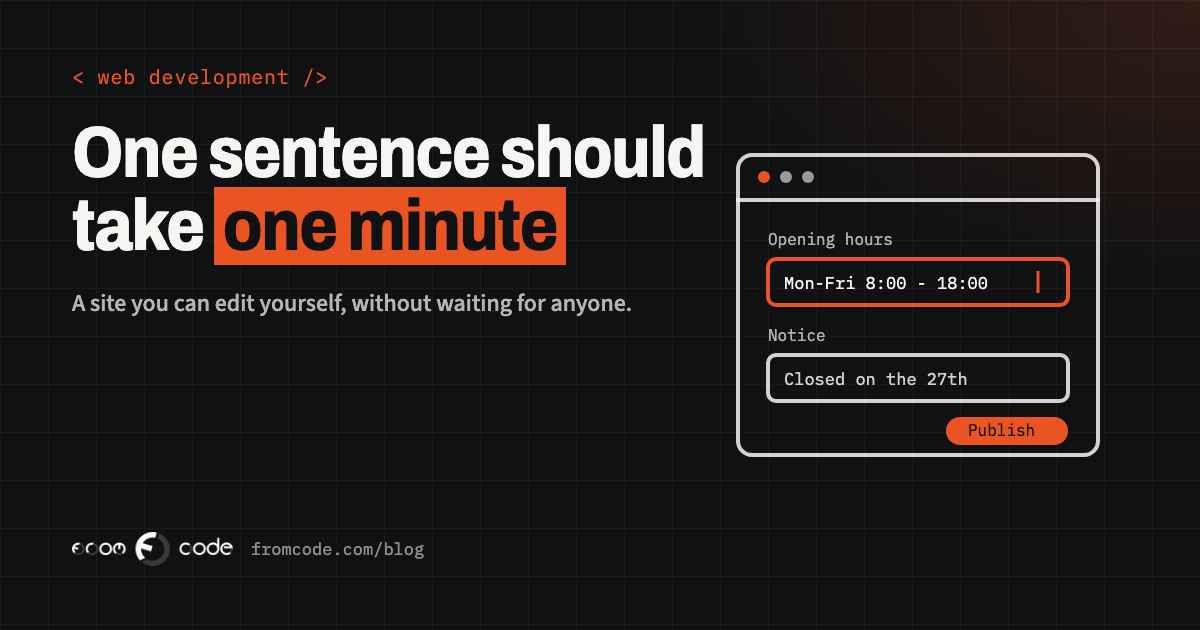
Picture the owner of a small physiotherapy clinic. It is the week before the holidays, and the opening hours on the website are wrong. Patients are ringing the front desk to ask whether the clinic is open on the 27th, and the owner knows the answer. The fix is one line of text.
So the owner writes to the developer who built the site. The reply comes two days later: "Sure, I'll add it to the list." The change goes live on the 30th. By then the question has been asked forty times, and the owner has learned something: on this website, one sentence is a project.
That is a very common situation, and it is almost never about the sentence. It is about how the site was built. This article is about what a site you can edit yourself looks like, what you can safely change, what is better left to a developer, and how to ask for it before the work starts.
Two ways a site can be built
A site is built in one of two broad ways. In the first, the words, pictures and prices sit inside the code. Changing a sentence means opening the code, changing it, testing it and putting it live again. A developer has to do that, and a developer's time is booked in advance.
In the second, the words and pictures live in an admin area, separate from the code. The developer builds the frame once: the layout, the design, the behaviour. You fill the frame. Changing a sentence means logging in, typing, and pressing Publish. Nobody else is involved.
Both kinds of site look identical to a visitor. The difference only shows on the day you want to change something.
What the waiting really costs
The cost is not the developer's hourly rate for a one-line change. It is the delay. Opening hours, a new phone number, a price, a team photo, a notice about a closed day: these are all small, and they are all time-sensitive. When each one waits a few days, three things happen.
First, the site drifts away from the truth, and visitors notice before you do. Second, you start putting off changes you know you should make, because asking feels like a favour. Third, you grow dependent on one person's inbox, and if that person is on holiday or has moved on, the site is frozen.
That last point connects to a bigger risk, which I covered in what to do when your developer stops answering. A site you can edit is a site that keeps working for you while the arrangement with a developer changes.
What you should be able to change yourself
Most owners are surprised by how much of a site can be handed over. A good setup lets you change, on your own and without risk:
- the text on any page, including headings, opening hours and contact details;
- pictures: replace one, add one, change its description for people who cannot see it;
- the notices at the top of the site, such as a closed day or a new service;
- the entries in lists you keep up to date, such as team members, services or frequently asked questions;
- the title and short description that search engines show for each page.
If you cannot do one of these, ask why. Usually there is no technical reason. The text was simply written into the page by hand, because that was quicker on the day the site was built.
What is better left to a developer
Some things are better left to a developer, and a careful developer will tell you which. The page layout, the way a form sends its messages, the connection to a booking system or an accounting tool, and anything that changes how pages are addressed all affect other parts of the site. A change in one place can quietly break another.
A useful split is this: you own the content, and the developer owns the structure. If you can say "I want the second paragraph to say this", it is content. If you say "I want the page to behave differently", it is structure.
One more reason to keep that line clear: the site stays consistent. When the layout is controlled in one place, a new page automatically looks like the rest. Nobody has to remember the right font size.
Ask the developer to show you the admin area before the site goes live. Then change one real sentence yourself, in front of them, and publish it. If that takes more than five minutes, or needs a call afterwards, the handover is not finished.
What makes editing safe
Editing your own site only feels safe if mistakes are easy to undo. Look for these three things.
A preview. You should be able to see the page the way a visitor will see it before it goes live, not afterwards. A draft state, where changes are saved but not yet public, makes this natural.
A history. If you replace a paragraph and later want the old one back, there should be a way to return to it. WordPress, for example, saves a revision every time you save or update, and its official user manual describes how to restore an earlier version. Whatever system your site uses, ask whether it keeps versions, and for how long.
Limited access. The person who updates the opening hours does not need to see the settings that control the site's address. Separate accounts, with only the rights each person needs, also mean you can see who changed what.
Two traps: copies and dead fields
An editable site is only useful if what you type appears where you expect it. Two things go wrong often enough to be worth checking.
The first is the hidden copy. You change the opening hours on the contact page, and the old hours are still shown in the footer, in the page's description for search engines, and in a pop-up someone wrote by hand. Ask the developer where each piece of information lives, and whether it is stored once and shown in several places. A phone number should be typed once.
The second is the field that changes nothing. Some admin screens have a box that looks like it controls something, and does not. If you edit a field and the site does not change, tell the developer straight away. That is a defect to fix, not a feature you misunderstood.
Search engines take their time
Changes to the site's titles and descriptions do not appear in search results immediately. Google's guidance on title links says that after you revise titles, it can take up to a few weeks for search engines to recrawl the pages and show the new wording. It also says Google builds those titles automatically from several sources, including the page's own title and its main heading, so a clear heading at the top of the page helps.
In practice: edit your titles when you have a reason, not every week, and judge the effect after a few weeks, not after a few hours.
A website builder or a site built for you?
Many owners assume an editable site means a drag-and-drop website builder. Those are one good answer, particularly for a small site that will stay small. The trade-off is that you work inside the builder's boundaries. When the site needs to connect to your booking system, your customer records or your own process, the builder can become the limit.
The other route is a site built for you, with an admin area designed around your content: the lists, the blocks of text and the pictures your pages are really made of. It takes more thought at the start. In return, the admin can speak your language, with fields called "opening hours" and "team member" instead of a general page canvas.
The right choice depends on how much the site has to do beyond showing pages. If the answer is "not much", a builder is fine. If it is "quite a lot, and it will grow", ask for a site where content and structure are separate from day one.
Six questions to ask before you agree
Whatever you choose, these questions are worth putting to anyone building or maintaining your site. Write the answers down.
- Which parts of the site can I change myself, and which can I not?
- Where do I log in, and who else has a login?
- Can I see a preview before publishing, and can I go back to an earlier version?
- If I type the phone number once, does it change everywhere?
- If you are not available, who can help me, and do they have access?
- Can you show me by changing one real sentence together before we finish?
The answers tell you very quickly whether you are buying a site or renting a dependency.
You still want a developer
It is reasonable to want some changes done for you. A new section, a redesigned page, a form that behaves differently: these are developer work, and they are better done well than done in a hurry. The aim is not to do everything yourself. It is to take the small, urgent, frequent changes off the developer's list, so that the developer's time goes to the things that need it.
The clinic owner from the start of this article would have changed the opening hours in a minute. The developer would have spent that week on something that really needed a developer. Both would have been better off.
Where to start
If you are planning a new site, put "I can edit the text and pictures myself" into the brief as a requirement, next to the design. If you already have a site, pick the next small change you need, such as an opening time, and note whether you were able to make it yourself. That single test shows where you stand.
I build sites and business systems with the admin built around the people who use it, and I lead each project myself. If you would like to know what yours could hand over to you, tell me about it.
What is the one change on your site you would like to make yourself?
Discuss your projectTell me what you edit most often and I will tell you what can be put in your hands.