
Does the European Accessibility Act mean a clinic has to rebuild its website? Is it a law for banks and airlines, or does it reach a language school, a gym or a physiotherapy practice too?
These are fair questions, because most of what is written about the Act comes from people selling something: an audit, a widget, a course. The result is a fog of half-truths. Some owners think it does not touch them at all. Others think one plugin installed tonight makes the whole problem go away.
This article goes through five common beliefs about the Act, and what is actually true for a small business with a website or an app. It is not legal advice, and the details depend on your country's own law, which transposes the Directive. It is a practical map, so you know which questions to ask and where to start.
The European Accessibility Act is an EU Directive, Directive (EU) 2019/882. It sets common accessibility requirements for a list of products and services that matter most to people with disabilities, so that the same rules apply across the EU instead of a different set in every country.
For a business with a website or an app, the part that matters is the list of services. Under Article 2, the requirements cover consumer services provided after 28 June 2025, including consumer banking, e-books, passenger transport, telecoms, access to audiovisual media and what the Act calls e-commerce services. Each member state wrote the Directive into its own law, and its own authority checks it.
Myth 1: "It is only for big companies"
**The belief:** this is a law for large companies, so a small business can ignore it.
**What is true:** there is an exemption, and it is narrower than most people think. Under Article 4(5), microenterprises that provide services are exempt from the accessibility requirements. Article 3 defines a microenterprise as one that employs fewer than 10 persons and has an annual turnover or balance sheet total of no more than €2 million.
Both parts count. A physiotherapy practice with twelve people on the payroll is not a microenterprise, however modest its turnover. A training company with eight people and a large turnover is not one either. And the exemption covers services; a small company that makes or imports one of the products on the list has its own obligations.
So the first useful step is simple: count your people, check your last accounts, and write down which side of the line you are on.
Myth 2: "It covers every website"
**The belief:** every website in Europe now has to meet the Act.
**What is true:** the Act covers the services on its list, not the web as a whole. The one that reaches most small businesses is e-commerce services, which Article 3 defines as services provided at a distance, through websites and mobile apps, at the individual request of a consumer, with a view to concluding a consumer contract.
In plain words: if a member of the public can sign up and enter into a contract with you online, you are probably in scope. A dental practice where patients book and pay a deposit for an appointment, a language school where people enrol and pay for a course, a gym that sells memberships in its app: these are worth checking carefully. A site that only describes what you do and offers a phone number and a contact form is generally outside the list.
The edges are where your national law and its guidance matter. If you are close to the line, a short conversation with your country's authority or a lawyer gives you a clear answer for very little money.
Myth 3: "A plugin will make us compliant"
**The belief:** an accessibility widget, the small button that adds a toolbar to the corner of the page, makes a site compliant.
**What is true:** accessibility lives in how the site is built. A widget can enlarge text or change colours, which some visitors find helpful. It cannot give a booking form the labels it was built without, make a date picker work with a keyboard if it was made for a mouse only, or describe a photo that has no description.
People who rely on assistive technology usually have their own tools already: a screen reader on their phone, zoom in their browser, a keyboard instead of a mouse. What they need from your site is that it works with those tools. That comes from the structure underneath: real headings, buttons that are buttons, form fields with labels, enough contrast, errors explained in words.
The good news is that this is ordinary, careful web work. It is the same work that makes a site fast, clear and easy to use for everyone.
Myth 4: "The deadline has passed, or it is years away"
**The belief:** either the deadline was in 2025 and the chance has passed, or there is a grace period until 2030 and nothing is urgent.
**What is true:** the requirements apply to services provided after 28 June 2025. The transitional rules in Article 32 are specific. Service contracts agreed before 28 June 2025 may continue unchanged until they expire, for no longer than five years from that date. Service providers may keep using products they already used lawfully for similar services until 28 June 2030. Self-service terminals already in use can stay for the rest of their working life, up to 20 years.
None of these is a general pause for a website or an app you are running today. The practical reading is that a new booking flow, a redesign or a new app should be built accessibly from the start, and the existing site deserves a plan with dates.
Which standard, in practice
Most accessibility work in Europe is measured against the European standard EN 301 549, which builds on the Web Content Accessibility Guidelines (WCAG). In September 2026 a new version of the standard, v4.1.1, was published, moving the web baseline to WCAG 2.2. According to the EU's AccessibleEU centre, it becomes the legal reference only once the European Commission cites it in the Official Journal; until then the reference is still v3.2.1, based on WCAG 2.1 level AA.
For a small business the practical answer is the same either way: build to WCAG 2.2 level AA now, and you meet both the current reference and the one coming next.
Myth 5: "It is only about a few blind users"
**The belief:** accessibility is about blind people using screen readers, a small group, so the effort is out of proportion.
**What is true:** screen reader users are one group among many. The same work helps someone with low vision who zooms the page to 200 per cent, someone with a tremor who uses the keyboard, someone with dyslexia who needs plain wording, an older patient who finds small grey text hard to read, and anyone reading a phone in bright sunlight or holding it in one hand on a bus.
Seen that way, an accessible site is simply a site with fewer people who give up halfway. The booking that would have been lost because the date field could not be reached, or because the error message was a red border with no words, now goes through.
What it looks like on a real booking form
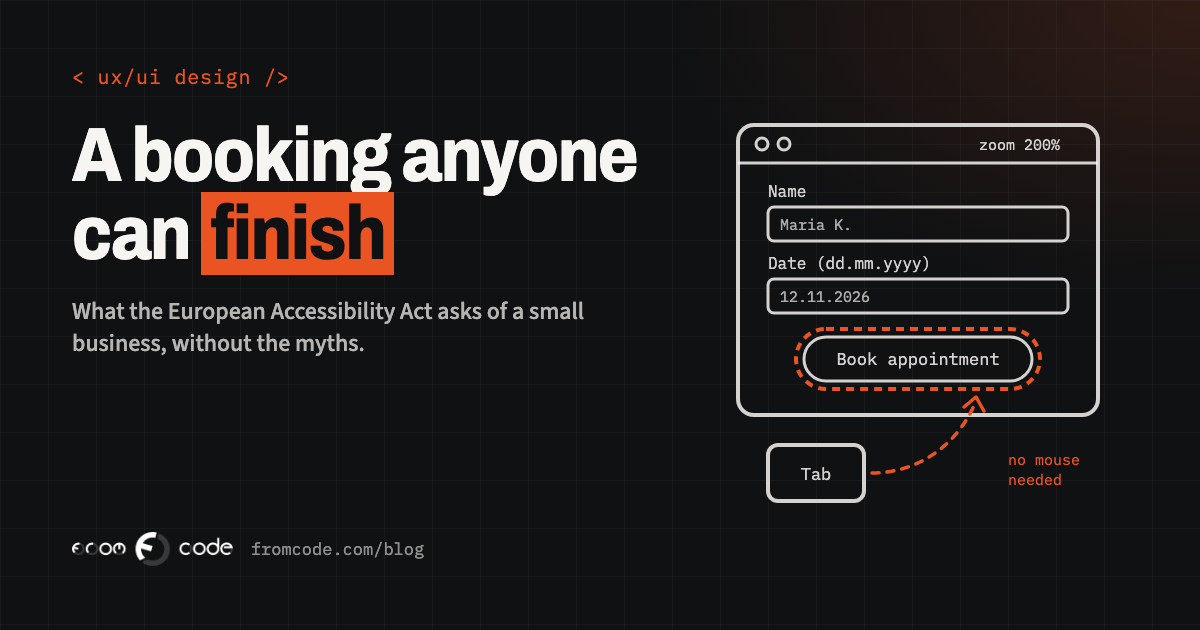
Forms are where most small-business sites fail people, and where fixing things pays back first. Take an appointment form on a clinic site. Built carelessly, it has grey hint text inside the fields instead of labels, so the hint disappears as soon as someone starts typing. The date can only be picked by clicking on a calendar. A required field turns red with no explanation. The submit button is an image with no text, so a screen reader announces it as "button".
Built well, the same form has a visible label above every field, a date field that also accepts typing, an error message in words next to the field it belongs to ("Please enter a phone number we can call"), and focus that moves to the first problem so a keyboard user can fix it straight away. The button says "Book appointment".
Nothing in the second version is exotic. It also tends to convert better for every visitor, which is why I wrote a separate piece on forms people actually finish.
Where to start: an afternoon with your own site
You can learn a lot about your own site in an afternoon, without any special software:
- **Put the mouse away.** Use only the Tab, Shift+Tab, Enter and Space keys and try to complete your main journey: booking, enrolling, signing up. Can you see where you are on the page at every step? Can you reach and use every control?
- **Zoom to 200 per cent** in the browser. Does the text reflow, or do you have to scroll sideways to read a sentence?
- **Turn on the screen reader** your phone already has: VoiceOver on iPhone, TalkBack on Android. Listen to your home page and your form. Do the buttons and fields have names that make sense?
- **Look at contrast.** Light grey text on white and white text on a pale photo are the most common problems, and a free contrast checker gives you an answer in seconds.
- **Check your videos** for captions, and your images for descriptions where the image carries meaning.
Write down what you find. That list is the start of a plan, and it is far more useful than a score from an automated scanner on its own.
Your app counts as well
If customers book or sign up through a mobile app, the app is part of the service too. iOS and Android both have good accessibility support built in, and an app built with standard components gets much of it for free. The problems usually come from custom controls: a beautifully drawn button the screen reader cannot see, text that ignores the phone's own text-size setting, or a swipe gesture with no alternative.
The same afternoon test works on a phone: turn on VoiceOver or TalkBack, set the largest text size, and go through your main journey. What breaks there tells you exactly what to fix in the next release.
The part people forget: telling people how it works
The Act asks for more than a working site. Under Article 13, service providers in scope prepare information explaining how their service meets the accessibility requirements, make it available to the public in written and oral form, and keep it for as long as the service runs. They also keep procedures so the service stays conformant as it changes.
In practice that means a clear accessibility statement on the site, a way for someone to tell you when something does not work for them, and a habit of checking accessibility whenever a page or a feature changes. A statement written honestly, with what works, what is still being fixed and by when, builds more trust than a badge.
What I would do with a limited budget
With a limited budget, I would start with the parts that earn the most: the pages people arrive on and the journey that ends in a booking or a sign-up. I would fix problems in the templates and shared components rather than page by page, so one change repairs every page that uses that button, field or menu. I would test with a keyboard and a real screen reader as well as an automated scanner, because a scanner catches only part of the problems and a person finds the rest.
For new work, accessibility is part of the design from the first screen. Checking contrast, labels and focus in the design phase costs very little; retrofitting them after launch costs much more. That is one reason I described what a design phase should give you before any code is written.
If you are exempt, is it still worth doing?
If you count your people and you are a microenterprise, the law does not require this of you. The reasons to do it anyway are the ordinary business ones. More people can book with you. Search engines read a well-structured page more easily. Larger clients, public bodies and partners increasingly ask about accessibility before they sign. And businesses grow: the clinic with nine people today may have eleven next year.
Whatever your size, the sensible approach is the same: know where you stand, fix the journey that matters most, build new work accessibly from the start, and tell people honestly how your site works for them.
Could everyone who wants to book with you actually do it?
Discuss your projectTell me what your site or app does, and I will tell you where I would start.