
A business launches its app. The first week goes well: people download it, book through it, and most of them tap "Allow" when the phone asks about notifications. Then the messages start. A reminder at the right moment, which is useful. A "we have news for you" on a Sunday morning, which is not. Another one two days later. Somewhere in the second month, a growing share of people quietly go into their phone settings and switch the app off.
Nobody tells the business. There is no complaint, no one-star review. The reminders that actually mattered, the ones that stopped people missing appointments or deliveries, simply stop arriving, and nobody notices until the problem they were solving comes back.
Push notifications are one of the few direct lines a business has to a customer's pocket, and they are very easy to lose. This article puts the usual way of doing them next to a better one, decision by decision: when to ask, what to send, when, how often, where the tap leads, and who is allowed to press "send".
Why "off" is almost always final
On both major phone platforms, an app has to ask before it may show notifications. Apple has always required that. Google added the same requirement in Android 13, with a runtime permission that an app must request before it can post most notifications.
The ask itself is a short system dialog with two buttons, and the app does not control its wording. If the person says no, or later switches notifications off, the app cannot simply ask again. The only way back is for the person to open the phone's settings, find the app, and turn it on themselves, which very few people ever do.
That is what makes notifications different from almost everything else in an app. A confusing screen can be redesigned next month. A permission that was refused, or withdrawn after a run of annoying messages, is usually gone for good. Every decision below is really about protecting that one switch.
Before and after: asking for permission
**Before.** The app opens for the first time and, before the person has seen a single screen, the phone asks whether the app may send notifications. The person has no idea yet what they would receive, so the honest answer is "I don't know", and many people tap "Don't Allow" just to get on with it.
**After.** The app waits until the moment the value is obvious. Someone has just booked an appointment, and the app says, in its own words: "Would you like a reminder the day before, so you can reschedule if something comes up?" Only if they say yes does the app show the system dialog, and now the person knows exactly what they are agreeing to.
Apple also offers a gentler route called provisional authorisation: the app may deliver notifications quietly, straight into the notification history without a sound or a banner, and the person decides from there whether to keep them. For an app whose notifications are useful but not urgent, it is worth considering.
The principle is the same either way. Ask when the answer is easy, not when the app happens to have started.
Before and after: what the message says
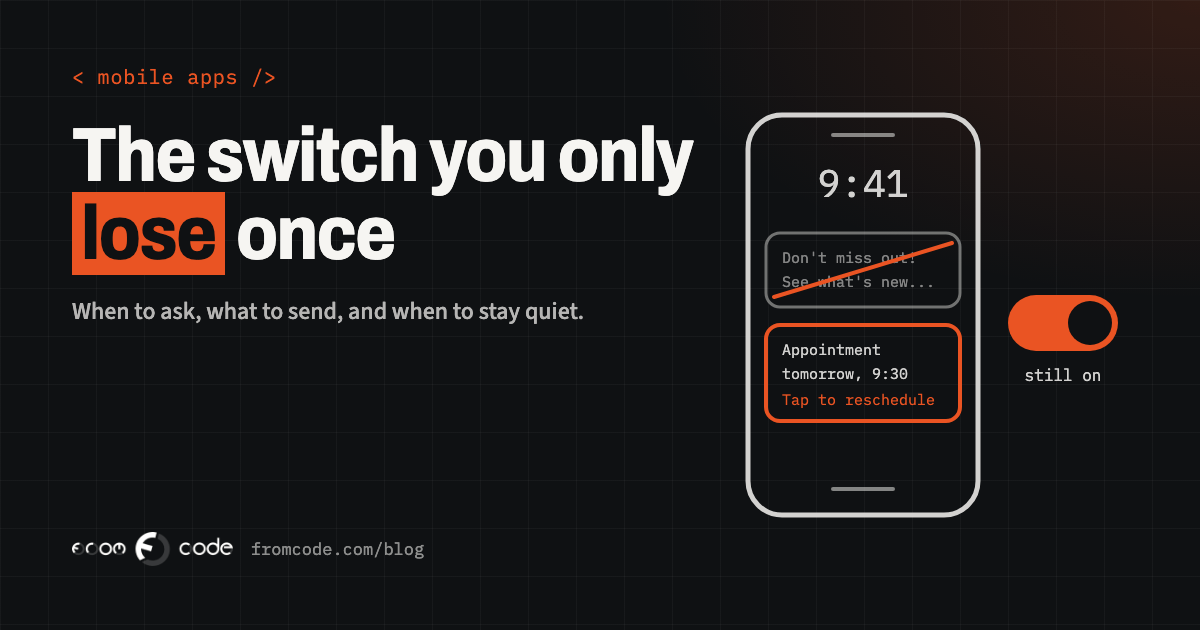
**Before.** "Don't miss out! See what's new in the app." It could be from any app, about anything. It asks for attention without saying why the person should give it.
**After.** "Your appointment is tomorrow at 9:30. Tap to change the time." It tells the person something they did not know, about something that is theirs, and what they can do about it, before they even open the app.
A good test is to read the message on its own, as it would appear on a locked screen with no app around it. If someone could act on it, or decide they do not need to, it is a good notification. If the only possible reaction is "and?", it is an advert, and the person will treat it like one.
Short matters too. The lock screen shows only the first part of a message, so the useful words go first: the time, the appointment, the thing that changed. The friendly sentence, if there is one, goes after.
Before and after: when it arrives
**Before.** Every message goes out the moment someone in the office presses send, or at the moment the server happens to process it. A campaign written late in the evening arrives late in the evening. A customer in another time zone gets it at three in the morning.
**After.** Each type of message has a sensible window, in the person's own time zone. A reminder about tomorrow arrives in the afternoon, not at midnight. Anything that is not urgent waits until morning. Only a message that is genuinely about something happening right now, such as "your driver is outside", goes out immediately at any hour.
People forgive a lot, but a phone lighting up on the bedside table for something that could have waited is one of the fastest ways to be switched off.
Before and after: how often
**Before.** Each part of the business sends what it wants. Bookings send reminders, the marketing side sends offers, the app itself sends tips about features. Individually each one is reasonable. Together, a customer gets four messages in a day and has no idea that three different people sent them.
**After.** Someone owns the total. There is a limit per person per day and per week, decided by the business, and the system enforces it rather than relying on everyone remembering. When two messages compete, the one the person asked for, like a reminder, wins over the one the business wants to send, like an offer.
The right limit depends on the app and on how much people rely on it. What matters is that it exists, that one person can see and change it, and that it applies to every kind of message rather than only the ones someone thought of.
Before and after: where the tap leads
**Before.** The notification says "Your appointment has changed". The person taps it, and the app opens on its home screen. They now have to find their bookings, then the right booking, then what changed. Many give up halfway, and the next notification gets a little less attention.
**After.** The tap goes straight to the thing the message was about: that appointment, with the new time and the button to reschedule, or that invoice, with the button to pay. If the person is not signed in, they sign in and then land in the same place, not on the home screen.
This is called deep linking, and it is one of those details that is easy to leave out when an app is first built and tedious to add later, because every type of message needs its own destination. It is worth planning from the start, alongside the list of messages the app will send.
Before and after: one switch or several
**Before.** The app has one switch: notifications on or off. A person who is tired of offers has only one way to stop them, which also stops the reminders they relied on.
**After.** The app lets people choose by type: reminders, updates about their bookings or account, news and offers. Android has supported this since Android 8 through notification channels, which appear in the phone's own settings, and an app can offer the same choice on its own settings screen on both platforms. Someone who switches off "offers" keeps their reminders, and the business keeps the line that matters most.
For marketing messages there is also a rule, not just good manners. Apple's App Review Guidelines say push notifications should not be used for promotions or direct marketing unless the customer has explicitly opted in through consent wording shown in the app, and the app must give them a way to opt out inside the app. Building the choice in by type covers that properly, instead of hiding offers among the reminders and hoping nobody notices.
A clinic app, before and after
Picture a physiotherapy clinic with a simple app for booking and rebooking sessions.
**Before:** the app asks for notification permission on first launch. It sends a reminder the evening before every appointment, a monthly newsletter, a message whenever a new class is added, and a seasonal offer, all as push notifications, all through the same switch. The front desk notices more people forgetting appointments, without connecting it to anything.
**After:**
- The app asks for permission right after the first booking, with a sentence explaining that it will send one reminder before each session.
- Reminders arrive in the afternoon of the day before and open the appointment, with a button to move it.
- New classes and offers are a separate category that is off until the person turns it on, and the newsletter stays in e-mail.
- The settings screen shows each category with its own switch.
Nothing about this is technically difficult. It is a handful of decisions written down before the first message is sent.
Before and after: what stays out of the notification
**Before.** "Your test results are ready: everything looks normal." "Your payment of the overdue balance has failed." Useful information, shown on a locked screen that a partner, a colleague or a child can read.
**After.** "You have a new message from the clinic. Tap to read it." The private part sits inside the app, behind the person's sign-in.
Apple's guidelines say push notifications should not be used to send sensitive personal or confidential information, and the reason is practical: a notification is shown to whoever is looking at the phone, and it passes through the platform's delivery services on the way. Health, money, legal matters and anything a person would not want read aloud stay inside the app. The notification only says that there is something to look at.
Before and after: who presses send
**Before.** Anyone with access to the admin can write a message and send it to everyone, immediately. There is no preview of how it will look on a phone, no test send, and no way to take it back. Most teams who work like this have a story about the time a test message reached every customer.
**After.** Automatic messages, such as reminders and booking changes, are set up once, with their wording and timing visible and changeable in the admin, and they go only to the person they are about. Messages sent by hand go to a chosen group, can be previewed and sent to a test phone first, and respect the same quiet hours and limits as everything else. Only a few people can send to everyone.
None of this slows the business down. It just makes the worst mistake, the one that turns thousands of people off in an afternoon, hard to make by accident.
Before and after: what gets measured
**Before.** The report says how many notifications were sent. The number goes up every month and looks like progress.
**After.** The report shows what people did. How many tapped each type of message, and whether the thing it was for actually happened: the appointment was kept, the parcel was collected, the form was finished. And, just as important, how many people have notifications allowed now compared with last month. A falling share is the earliest warning that the app is sending too much, too late or too vaguely, long before anyone complains.
Phones do not always tell an app when someone switches notifications off, but an app can check the current setting each time it is opened and record it. That one figure, watched over time, says more about the health of the channel than any count of messages sent.
When push is the wrong channel
Push is not the answer to every message, and some of the best notification strategies are mostly about what not to push.
- Anything long, like a newsletter or a policy change, belongs in e-mail, where people can read it later and keep it.
- Anything that must arrive even if the person has deleted the app, or never installed it, such as a delivery that cannot wait, may need a text message as well.
- Updates that are useful but not urgent can live in an inbox inside the app, shown the next time the person opens it, without interrupting anyone.
A notification is the most interruptive thing an app can do. It should be reserved for the moments when interrupting is exactly what the person would want.
What I would do
When I build an app that sends notifications, I would want the list of messages written down before any code: each type, who it goes to, what it says, when it may arrive, where the tap leads, and which switch controls it. That list usually fits on a page, and it is where the owner, not the developer, makes the important choices.
Then the app gets the pieces that protect the channel: asking at the right moment, categories with their own switches, quiet hours in the person's time zone, a limit on how many messages anyone receives, deep links for every type, and a record of how many people still have notifications on. Messages the business writes by hand go through a preview and a test send.
None of it is exotic. It is simply the difference between notifications people keep on and notifications they quietly switch off.
In short
A push notification is a small thing that borrows a moment of someone's attention. Ask for that permission when its value is obvious, send only what a person would want to know, at a time they would want to know it, and make every tap lead somewhere useful. Do that, and the switch stays on, which is the only thing that keeps the channel worth having.
Which message would your customers miss most if they switched you off?
Discuss your projectTell me what your app needs to say to people, and I will help you work out how and when to say it.