
The call usually starts the same way. "The site works. It takes orders every day. The developer who built it left years ago, the hosting company has just written about our PHP version, and nobody wants to be the one who breaks it."
Behind that sentence there is almost always a business that depends on the site more than anyone likes to admit. The shop, the booking form, the members' area or the price list was written in PHP a long time ago, has been patched by several people since, and has quietly paid for itself every month. Nobody planned for it to live this long. It just kept working.
This article follows a site like that from the day the owner decides to do something about it to the day the old version is gone, without the site being switched off in between. It is a composite of situations I see often, not one client's story, and every step in it is something you can ask for by name.
It works. That is not the same as safe.
The first thing to separate is "it works" from "it is safe to keep running". A site can take orders perfectly and still be running on a version of PHP that no longer receives security fixes.
PHP publishes its support dates on php.net. At the time of writing, PHP 8.2 receives security fixes until 31 December 2026, and 8.1 and everything older no longer receive them at all. A site written ten years ago is often on PHP 7 or even 5, sometimes kept alive by a hosting company that charges extra for an old version or has set a date when it will stop offering it.
That is usually what forces the conversation. The site has not broken; the ground under it is being taken away. And because the date is set by someone else, "we will look at it next year" stops being a plan.
Why the rewrite quote is tempting, and why it is risky
The owner's first instinct, and often the first quote they receive, is to rebuild the site from scratch on something modern. It is an understandable instinct. The old code is messy, nobody enjoys reading it, and a clean start sounds faster.
The trouble is that the old site knows things nobody wrote down. The discount that applies to one group of customers. The order number format the accountant relies on. The e-mail that goes to the warehouse but not to the customer. The page that still gets visitors from a link someone shared years ago. A rewrite has to rediscover every one of those, usually after launch, usually from an unhappy customer.
A rewrite also stops the money in a quieter way: for months, every improvement goes into the new site, which earns nothing yet, while the old one is frozen. When the new site is finally ready, the switch happens all at once, which is exactly the moment the owner was trying to avoid.
There are cases where a rebuild is right, and I wrote about how to decide in When to improve an existing system instead of replacing it. But for a site that still makes money, the safer path is almost always to move it forward in place, one controlled step at a time.
The first week: make it visible
Before changing a line, the first week is spent making the site visible. In the story I keep coming back to, the owner had a login to the hosting panel and nothing else: no copy of the code anywhere except on the server, no list of what the site did, and no idea which of the dozens of folders on the server were still in use.
So the first job is unglamorous. Take a full copy of the code and the database and put the code under version control, so every later change can be seen and undone. Restore that copy somewhere else and check it actually runs, because a backup nobody has restored is only a hope. Then write down, in plain words, what the site does: the pages people visit, the forms they fill in, the payments it takes, the e-mails it sends, and the jobs that run at night without anyone noticing.
That last list matters more than it looks. It becomes the definition of "nothing broke" for every step that follows.
A copy you are allowed to break
The second thing the owner gets is a copy of the site they are allowed to break. It runs on its own address, with the same code and a recent copy of the data, with customers' personal details removed or replaced, and with payments and outgoing e-mails pointed at test accounts so nothing reaches a real person.
Every change is tried there first. That sounds obvious, but many old sites have been changed for years directly on the live server, which is how they came to be fragile in the first place. A copy that can be broken is what turns "nobody dares touch it" into "we tried it yesterday and it was fine".
A few checks that watch the money
Old PHP sites rarely come with automated tests, and writing tests for all of the code would cost more than the site is worth. So I start with a small number of checks that watch the money instead.
For a shop that means: a customer can find a product, put it in the basket, pay, and receive the confirmation e-mail, and the order appears where the owner expects it. For a booking site it means a booking goes through and lands in the calendar. These checks drive a real browser through the site, the way a customer would, and they are run before and after every step.
They do not prove the site is perfect. They prove that the paths which pay for everything still work, which is the question the owner actually cares about at two in the morning after a change.
Upgrading PHP one step at a time
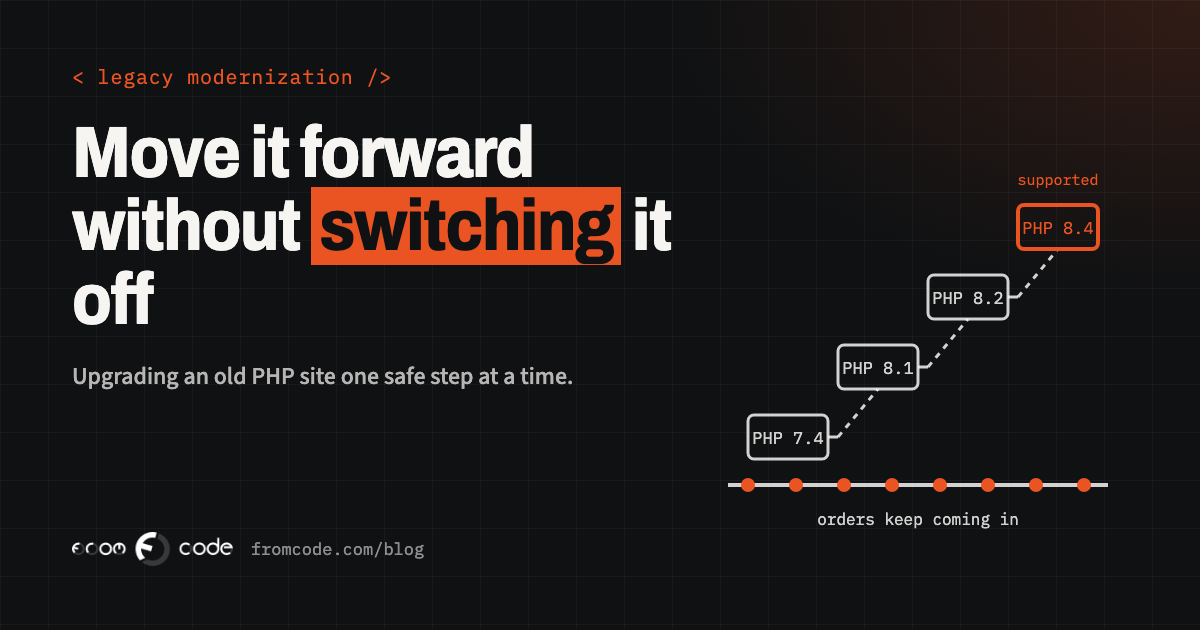
With a copy to break and checks to run, the PHP upgrade itself becomes routine work instead of a leap. The rule is to move one version at a time, and to change nothing else while doing it.
Each PHP version removes or changes some old behaviour. Code that relied on it produces warnings first and errors later. Going one step at a time keeps each set of problems small: fix what the new version complains about, run the checks, put it live, watch it for a few days, and only then take the next step. The libraries the site uses are updated along the way, because an old library is often the real reason a site cannot move.
In the version of the story I am describing, most of the work was not in the site's own code at all. It was in a payment library that had been copied into the site years earlier and never updated, and in a PDF invoice generator that nobody remembered adding. Neither showed up until the site ran on the copy under the newer PHP, which is exactly why the copy exists.
Moving the parts that hurt, one at a time
Once the site is on a supported version, the owner usually asks the next question: can we finally fix the parts that hurt? The slow admin screen, the stock that has to be corrected by hand, the checkout that looks dated on a phone.
The answer is yes, and still without stopping anything. The pattern is to build the new part beside the old one and move traffic to it gradually: one page, one form or one admin screen at a time, with the old version still there to fall back on. Visitors see the new checkout while the rest of the site is unchanged. The order still lands in the same place. When the new part has run on real orders for long enough, the old one is removed.
Done this way, the site changes underneath its visitors for months, and at no point is there a launch day that everything depends on.
Keeping the addresses that bring visitors
One thing old sites have that new ones do not is history with search engines. Product pages, category pages and old blog posts have collected links and rankings for years, and their addresses are part of what the site is worth.
Every step that changes a page keeps its address, or sends the old address permanently to the new one. Before any structural change I take a list of every address the site answers on, and the pages that bring visitors, and check them again afterwards. It is tedious, and it is the difference between a modernised site and one that quietly lost half its visitors from search.
A switch nobody notices
Each step goes live the same way: at a quiet hour, with someone watching orders, with the checks run straight after, and with a written way back. The way back is usually just the previous version of the code and a copy of the data taken minutes earlier, but it has been tried, not assumed.
The best compliment a step like this can get is that nobody notices it. In the story, the customers never saw a maintenance page, and the staff only noticed that the admin screen got faster.
What it costs, and what it saves
What moving forward costs the owner is mostly attention, not downtime. Someone has to answer questions about how the business actually works, look at the new parts on the copy before they go live, and accept that some old features will be deliberately dropped because nobody uses them.
What it saves is harder to see, because it is a list of things that did not happen: the site did not go offline when the host dropped the old PHP, a security hole in an unsupported version was not exploited, and the business did not spend a year paying for a rewrite while the old site stood still.
Five questions before anyone touches it
- Do we have a copy of the code and the data that we have actually restored somewhere else?
- Which version of PHP is the site on, and when does the host stop offering it?
- What does the site do that nobody would think to mention: e-mails, exports, night-time jobs?
- Which three paths earn the money, and how would we know within minutes if one of them broke?
- Who can put the previous version back, and have they ever done it?
If any answer is "I am not sure", that is the place to start, before any upgrade or redesign.
What I would do in the first month
If you brought me a site like this tomorrow, the first month would look like the story above: a copy of everything restored and running elsewhere, a written list of what the site does, a handful of checks on the paths that earn money, and a plan for each PHP version between where the site is and a supported one, with a date for each step.
You would know what each step costs before it starts, you would see each one working on the copy before it goes live, and the site would keep taking orders the whole time. Only after that would we talk about what to improve, and by then you would have the evidence to decide it, rather than a quote for starting again.
Is your site still earning on an old PHP version?
Discuss your projectTell me what it does and which version it runs on, and I will tell you what the first step would be.